
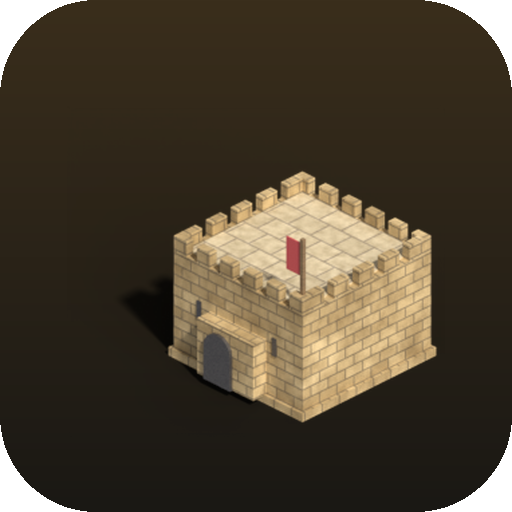
Fiefdom
Fiefdom is a self-hosted, browser-played isometric castle-builder inspired by Stronghold Crusader.
Platform availability
Available on 1 of 10 platforms
- Unraid
- TrueNAS (not listed)
- Umbrel (not listed)
- ZimaOS (not listed)
- Proxmox (not listed)
- Helm (not listed)
- Mac (not listed)
- Windows (not listed)
- Linux (not listed)
- Any server (not listed)
Health score?A 0-100 score computed nightly from four factors: maintained (40%: recent commits and steady activity), popular (25%: GitHub stars, log scale), easy to install (20%: platforms, install notes, setup guides, Docker image) and light to run (15%: minimum RAM, ARM support). When the source code has been checked, a fifth factor, security check (20%: automated scan for committed secrets, unsafe desktop-app settings, known-vulnerable dependencies and project hygiene; any serious finding caps it at 20), is added. Factors without data are left out and the rest are rescaled.
41/100 Fair
- Maintained
- 78last commit 63 days ago
- Popular
- 61 GitHub stars
- Easy to install
- 351 install platform, install notes, Docker image
- Light to run
- 108 GB minimum RAM
Availability: platform listings confirmed today, links checked 22 days ago
- GitHub stars
- 1
- Open issues
- 0
- Last commit
- 2026-09-19
- License
- AGPL-3.0
- Activity
- stale
Checked 7 days ago - source: GitHub (halvar20000/fiefdom)
Resources & Compatibility
Minimum requirements: 8 GB RAM.
Checked 54 days ago - source: Docker Hub image tags and published docs
First-install notes
- Unraid install Search for fiefdom in Unraid Community Applications, install it, set the web interface port if port 8080 is already in use, apply, then open the container's web interface. source
Fetched 47 days ago - each note links to its source
Variants
Alternatives
No alternatives collected yet.
Common questions
Which port and host directory should I map when running Fiefdom in Docker?
Map host port 8080 to container port 80 and bind a host folder to /data. The /data volume holds saved games and custom maps so they survive container updates.
How do I install Fiefdom on Unraid?
Search for Fiefdom in Community Applications, set the web interface port if 8080 is already in use, apply, and open the container's web interface.
What should I back up?
Back up the /data volume because it stores saved games and custom maps. If the volume is unmapped, saves fall back to browser localStorage and can be lost when the container is recreated.
Why can a player remain on an old game version after an update?
This can happen if index.html is cached after the container is updated. Keep index.html uncacheable and cache sprite assets aggressively so the browser loads the new fingerprinted scripts.
Does the server need much CPU because the game runs in the browser?
No; the simulation, pathfinding, AI lord, and rendering happen in the visitor's browser. The server's main job is storage and it sits near zero CPU.
Answers sourced from github.com, github.com
Community
Collected 49 days ago - public community threads