
LCD Manager
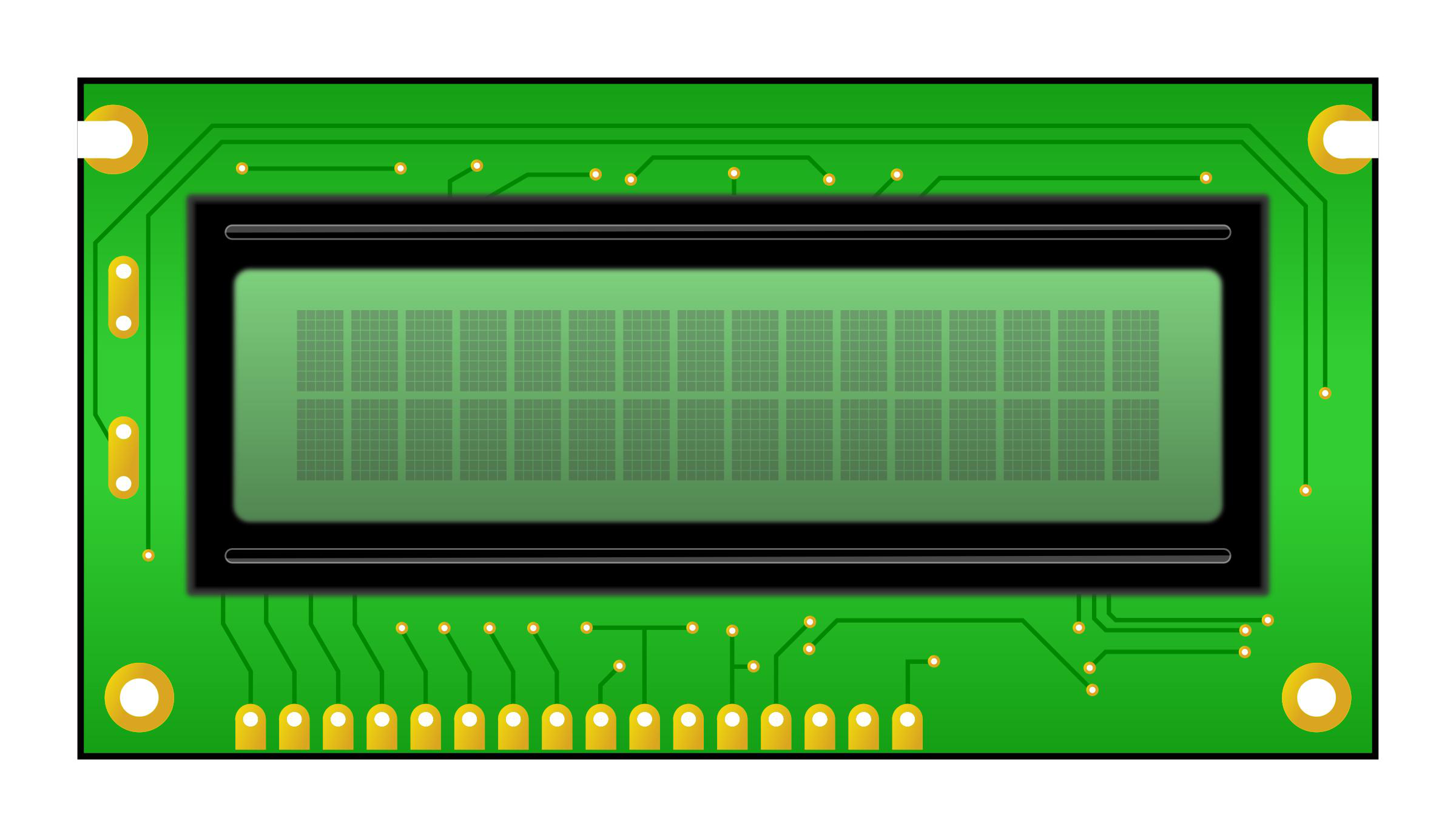
LCD Manager is an Unraid plugin that installs LCDd and lcdproc to support LCD screen displays, currently the QNAP NAS icp_a106 device.
Platform availability
Available on 1 of 10 platforms
- Unraid
- TrueNAS (not listed)
- Umbrel (not listed)
- ZimaOS (not listed)
- Proxmox (not listed)
- Helm (not listed)
- Mac (not listed)
- Windows (not listed)
- Linux (not listed)
- Any server (not listed)
Health score?A 0-100 score computed nightly from four factors: maintained (40%: recent commits and steady activity), popular (25%: GitHub stars, log scale), easy to install (20%: platforms, install notes, setup guides, Docker image) and light to run (15%: minimum RAM, ARM support). When the source code has been checked, a fifth factor, security check (20%: automated scan for committed secrets, unsafe desktop-app settings, known-vulnerable dependencies and project hygiene; any serious finding caps it at 20), is added. Factors without data are left out and the rest are rescaled.
6/100 Low
- Maintained
- 0last commit 4049 days ago
- Popular
- 00 GitHub stars
- Easy to install
- 251 install platform, install notes
- Light to run
- No data
Based on 3 of 4 factors.
Availability: platform listings confirmed today, links checked 4 days ago
- GitHub stars
- 0
- Open issues
- 0
- Last commit
- 2015-10-21
- License
- MIT
- Activity
- stale
Checked today - source: GitHub (augustoroman/lcd_manager)
Resources & Compatibility
Requirements not published yet.
First-install notes
- Set a buffer size for SPI panels If your screen is wired with SPI (a serial screen connection), set buffer_size to a non-zero value. This is scratch memory the driver uses to send the picture, and without it the panel setup fails. source
- Slow the SPI clock if the screen glitches If the picture shows stripes, color blobs, or other artifacts, lower pclk_hz (the pixel clock speed) to about 4 MHz. A faster clock can be too much for your wiring, so slowing it down gives a stable image. source
- Confirm startup in the serial log After loading the program, check the serial log for Initialization complete and Display LVGL animation. These lines mean the panel, driver, and screen UI library (LVGL) started correctly. source
- QNAP LCD device name The QNAP NAS built-in LCD is supported by lcdproc as the icp_a106 device, so select that driver when configuring the screen. source
- Project overview The repository describes LCD Manager as a simple web server that controls a 16x2 USB LCD display through the serial_lcd package. source
Fetched today - each note links to its source
Variants
Alternatives
No alternatives collected yet.
Common questions
Which lcdproc driver should I select for the QNAP NAS built-in LCD?
Select the icp_a106 device driver when configuring the QNAP built-in LCD.
Where can I find documentation or a specification for an LCD panel?
The Tyan support page LCD pack contains documentation about the panel. It also includes a PDF specification from the LCD manufacturer.
Are the advanced display features listed in the project README actually available?
No, the README lists independent line scrolling, display-time macros, and scheduled text and background colors as features not actually included yet.
Answers sourced from ca.unraid.net, forums.unraid.net, github.com
Community
- Question - Are there any AIO Coolers that don't need control software ? (forum)
- LCD Panel Info stuck (Aorus RTX 4080 SUPER) - Reddit (reddit)
- LCDInfo.com • Index page (forum)
- [PLUGIN] LCD_Manager - Plugin Support - Unraid (forum)
Collected 48 days ago - public community threads